1CWL
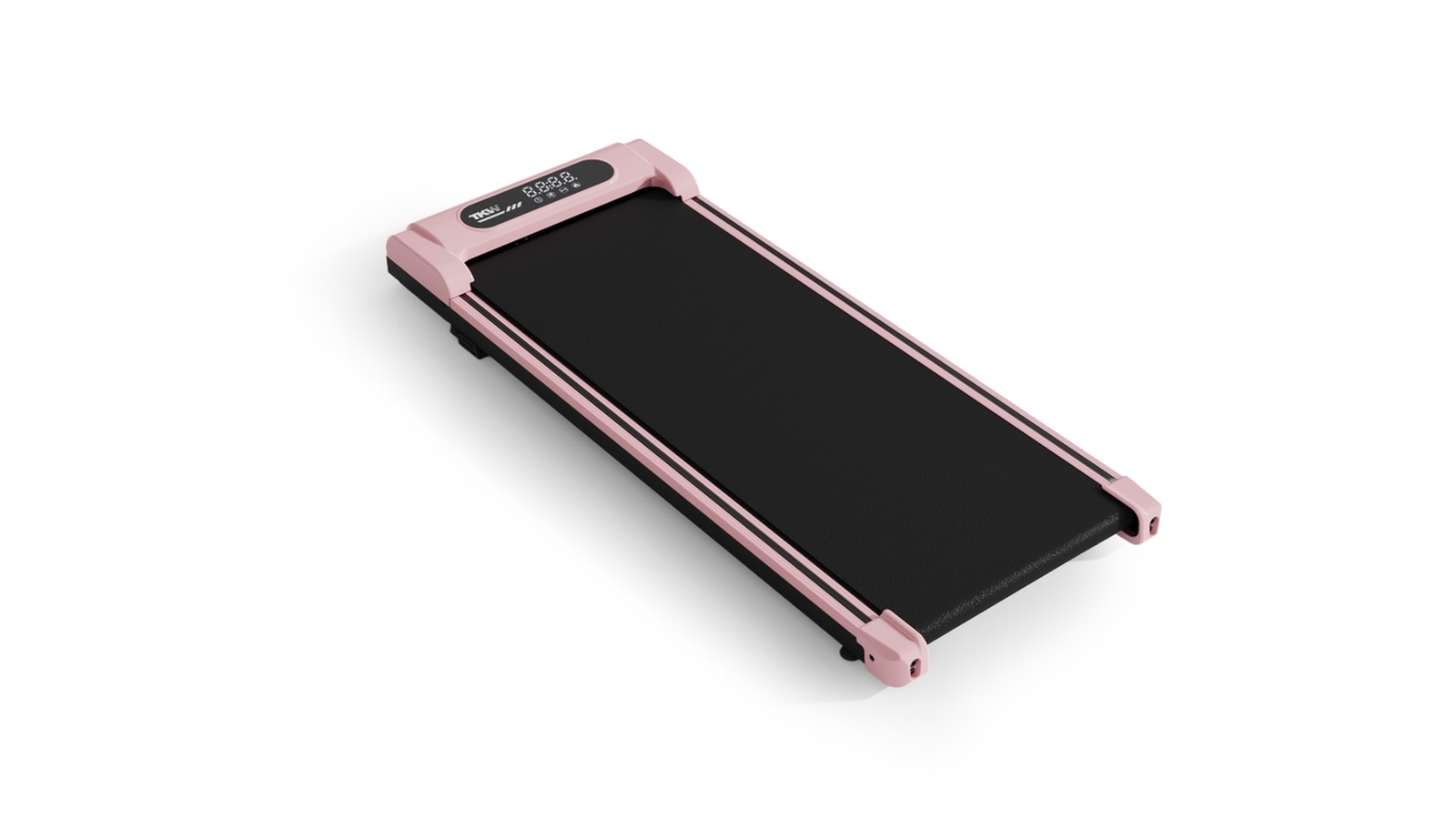
2-in-1Ultra-slim treadmill with vibration function.

Walking Pad Support Center
Explore the 1CWL and 1CWFL models, compare color options, watch the vibration mode tutorial, and quickly access troubleshooting and safety guidance before use.
Pink appears first, followed by black, for both models.
Ultra-slim treadmill with vibration function.
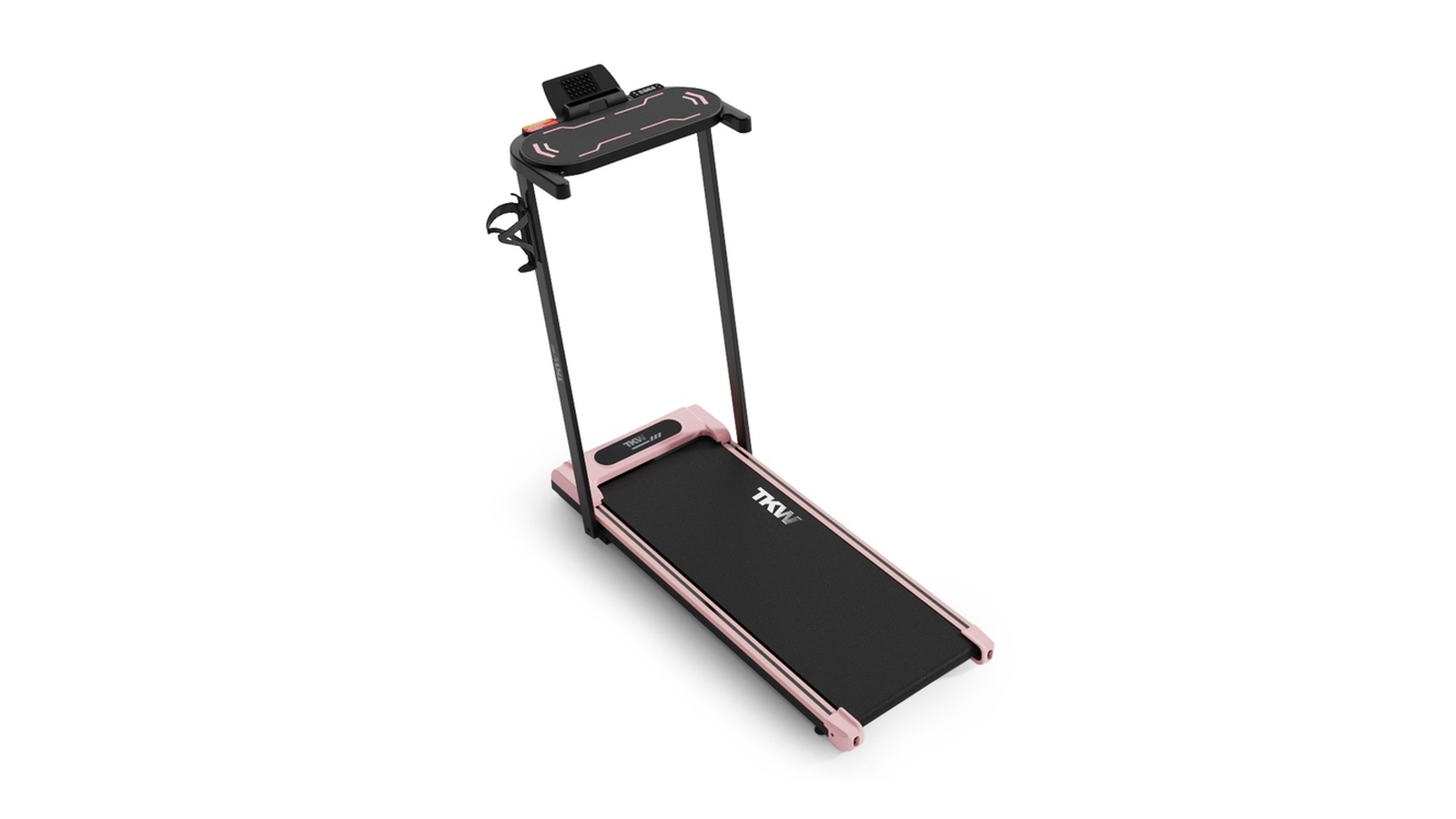
Treadmill with vibration function and integrated desktop.
Vibration Mode Switching Tutorial
Troubleshooting methods for treadmill display, communication, motor, overload, power, and screen issues.
| Item | Fault Display | Fault Analysis | Solution |
|---|---|---|---|
| A | The electronic display does not show after the power is turned on. | The communication line between the electronic display and the lower controller may not be connected properly, or the transformer may be burnt out. | Check every connection point between the electronic display and the lower controller and make sure every core is fully connected. If the communication line is damaged or broken, reconnect or replace it. Test the unit with a new transformer if necessary. |
| B | E-1 | Communication failure. Communication between the controller and the electronic display may be obstructed. | Check every connection point between the electronic display and the lower controller and make sure every core is fully connected. Check whether the connection line between the display and controller is damaged, and replace it if necessary. |
| C | E-2 | Motor wire breakage fault. The motor wire connected to the lower controller may be disconnected or poorly connected. | Check whether the motor connection line is broken or disconnected. Reconnect or replace it if necessary. |
| D | E-3 | Overload protection. This may be caused by foreign objects stuck in the running belt, excessive load, or motor malfunction. | Check for foreign objects stuck in the running belt. If the motor makes abnormal noise or emits a burning smell, disconnect the power and contact after-sales support. Also verify the supply voltage and retest using the 110-120V, 60Hz standard. |
| E | E-4 | Explosion-proof protection fault. | Check whether the power supply voltage is lower than 50% of the normal voltage (110-120V), then retest. Check for an unusual smell from the controller and replace it if necessary. Confirm that the motor wire is correctly connected and reconnect it if needed. |
| F | The motor does not run after pressing the start button. | The lower controller fuse may be damaged or loose, or the motor wire may not be plugged in properly. | Check whether the motor-related circuit is properly plugged in and connected, whether the lower controller fuse is intact, and whether the motor wire is loose or unplugged. Contact after-sales support if the problem persists. |
| G | Screen flickering. | Unstable power supply or poor socket contact. | Check whether the power outlet is stable. Try a different grounded outlet and make sure the power plug is tightly secured. |
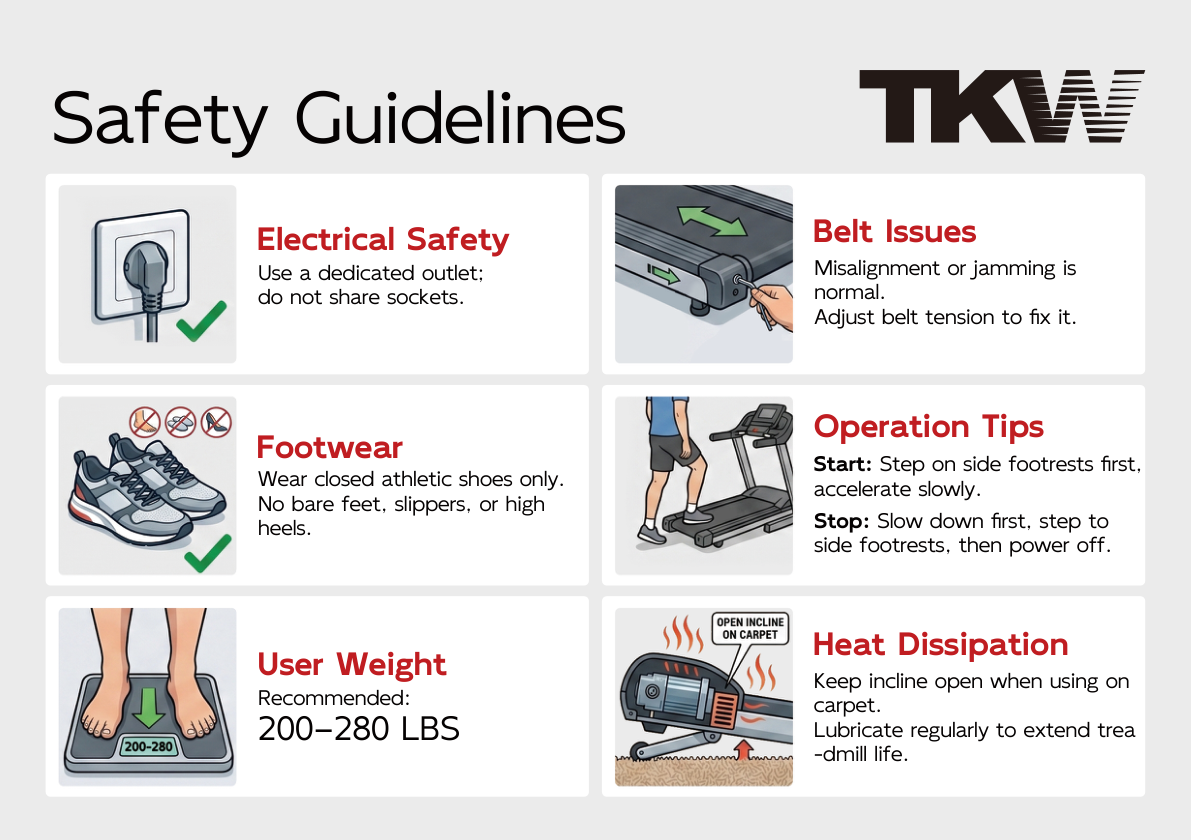
Read all safety guidelines carefully before operating the treadmill.
Product parameters have been updated to match the supplied comparison table.
| Specification | 1CWL | 1CWFL |
|---|---|---|
| Product Dimensions | 103 × 44.5 × 10.6 cm | 109 × 51.5 × 101 cm |
| Net Weight | 15.2 kg | 18.9 kg |
| Speed Range | 0.6-4.0 mph | 0.6-6.2 mph |
| Incline | 5% | 5% |
| Key Features |
|
|
Please include your model number, order information, and a clear description or video of the issue.